![logo-primary-accent.png]](https://help.ecomap.tech/hs-fs/hubfs/logo-primary-accent.png?height=48&name=logo-primary-accent.png)
Submit a Resource Button
You can now add a Submit a Resource Button to any live embed by making sure the Submit Button is toggled on. This toggle is found at the bottom of the Embed Editor menu and can be untoggled at any time.
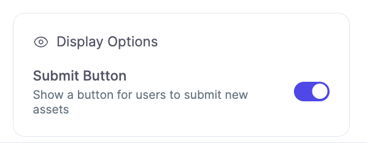
If you choose to show the Submit Resource button on your embed, end users will be able to fill out of a form containing the required information for the proposed asset. 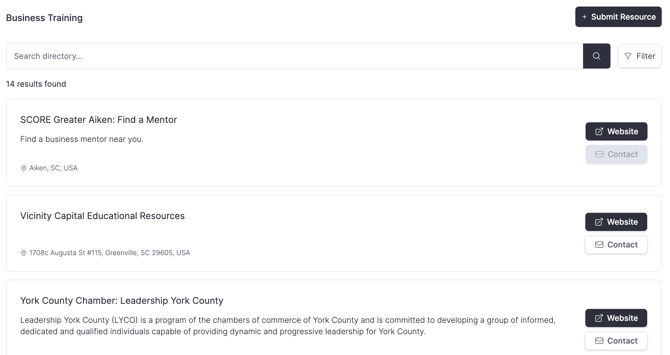
Once they have submitted the new asset, it will be viewable in the Needs Review tab in the Discover Data Library until it is approved or rejected.
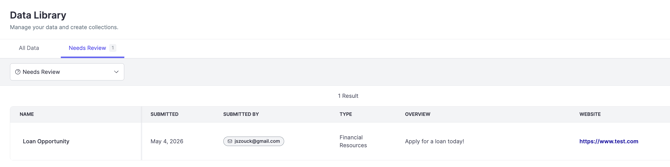
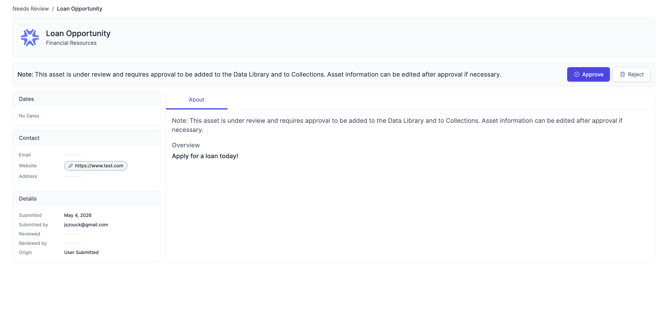
To approve or reject the asset, select the asset name to open the profile and then click approve or reject accordingly (which will send an notification to the submitting user).
If you have any questions about this new feature, please reach out to support@ecomap.tech.