![logo-primary-accent.png]](https://help.ecomap.tech/hs-fs/hubfs/logo-primary-accent.png?height=48&name=logo-primary-accent.png)
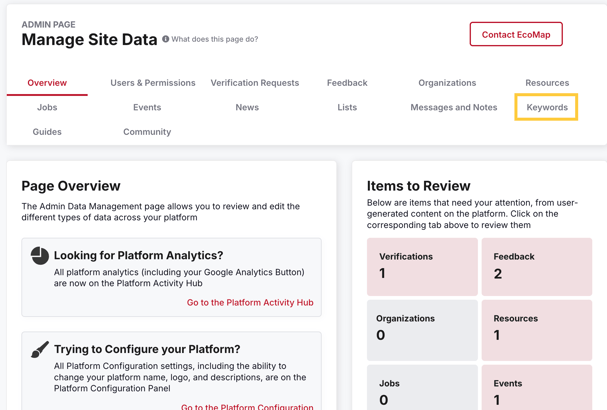
1. Navigate to the Data Management tab of the Admin Panel and select the Keywords Tab.
2. Use Filters or Search to locate the Keyword you wish to edit.
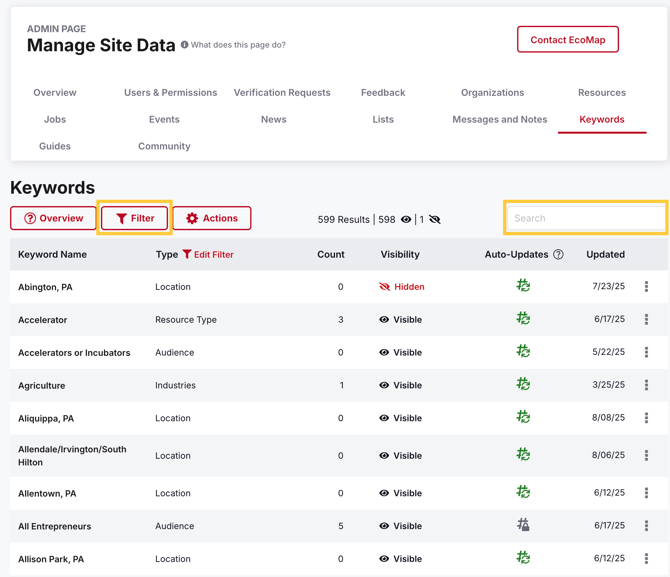
3. Click the Auto-Update Icon to turn off Auto-Updates (should now be gray)

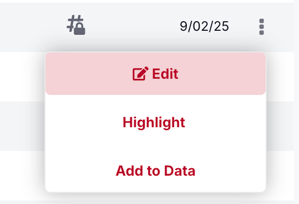
4. Open the Menu by clicking on the 3 dots and select edit.

5. You can now modify the Name, Description and Image as you see fit--your changes will be saved automatically!
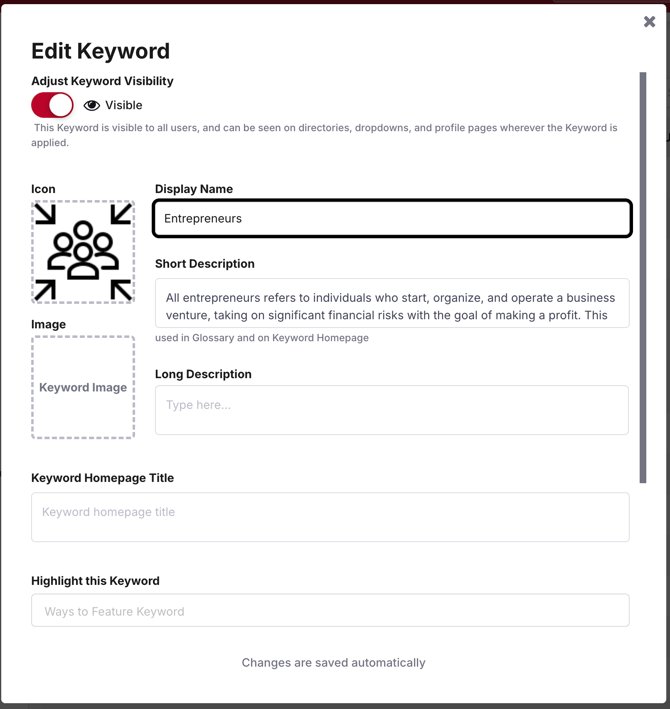
6. Please Note: Your changes may not show up in all places on platform for 24 hours! 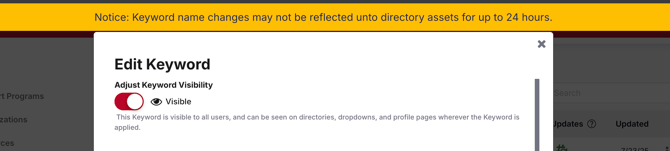
Not seeing the keyword you need? Please reach out to Support@ecomap.tech!