![logo-primary-accent.png]](https://help.ecomap.tech/hs-fs/hubfs/logo-primary-accent.png?height=48&name=logo-primary-accent.png)
-
In the left navigation on app.ecomap.tech, click into your Embeds and select an embed you'd like to add the search + filter to.
-
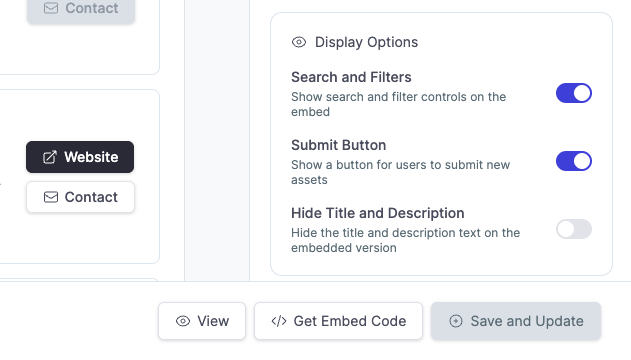
Inside the embed edit mode, scroll down on the right-hand side to the section labeled Display Options.
-
Toggle ON the option called 'Search and Filters'.
-
Click 'Save and Update' in the lower right. The changes to your live embed will be immediate.